




Quick Answer / Key Takeaways
- Best for Deep Data: Stats.fm (formerly Spotistats) and Last.fm offer the most comprehensive, real-time tracking of your lifetime listening habits.
- Best for Social Sharing: Receiptify (turns your top tracks into a grocery receipt), Instafest (creates a custom festival lineup), and Spotify Pie are unmatched for aesthetic, shareable visuals.
- Best for Niche Analysis: Use Obscurify to see how mainstream your taste is, or brace yourself for an AI roast with “How Bad is Your Spotify?” by The Pudding.
- Best for Local Archiving: AudKit Spotify Music Converter is the top recommended tool to legally download your top-tracked songs locally in 320kbps lossless quality, freeing you from streaming limits.
- Privacy Tip: All reputable third-party stats tools require you to log in via Spotify’s official API. You can safely revoke their access at any time in your Spotify account settings.
Have you ever found yourself anxiously waiting for December just to get your hands on Spotify Wrapped? As a massive music nerd, I completely get the obsession. We love visualizing our audio DNA. But waiting 12 months to see if your late-night indie-folk indulges outweighed your gym hip-hop playlists is simply too long.
Fortunately, the internet is packed with third-party tools that tap into Spotify’s API to give you real-time analytics, aesthetic charts, and even a little bit of playful judgment about your music taste. Whether you want to flex your underground music knowledge or just need deep data on your listening hours, here are the 20 best Spotify listening stats websites available right now.
Why You Need a Spotify Stats Tracker (Beyond Wrapped)
While Spotify Wrapped is a brilliant marketing campaign, it has limitations. It usually stops tracking your data around late October, leaving a massive gap in your listening history. Third-party trackers fix this by offering:
- Year-Round Analytics: Check your top artists and tracks for the last 4 weeks, 6 months, or your entire lifetime.
- Shareable Aesthetics: Turn your listening history into pie charts, receipts, and festival posters.
- Music Discovery: Many of these tools analyze your algorithms to recommend obscure artists or build hyper-personalized playlists.
The 20 Best Spotify Listening Stats Websites
To make this list digestible, I’ve categorized these tools based on what they do best: deep analytics, aesthetic visuals, humorous insights, and pro-level tracking.
The Data Powerhouses (Detailed Analytics)
If you are a numbers geek who wants raw data on your streaming habits, these sites are your best friends.
1. Stats for Spotify
The absolute classic. It’s a clean, no-nonsense website that shows your top tracks, artists, and genres over three time periods (last month, last 6 months, all time). It’s fast, reliable, and exactly what most people are looking for.

2. Stats.fm (formerly Spotistats)
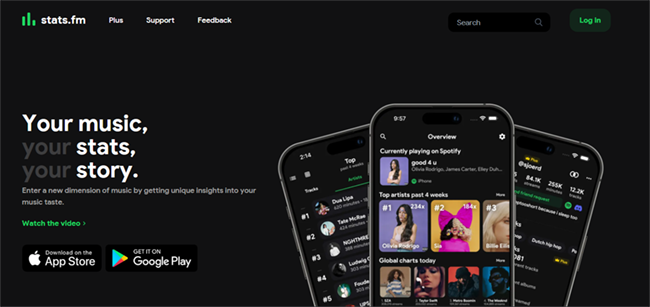
If you want to go beyond the basics, this is the gold standard. Available as a website and a mobile app, Stats.fm tracks your exact listening time (in minutes), play counts, and even the exact time of day you listen to specific genres.
3. Last.fm
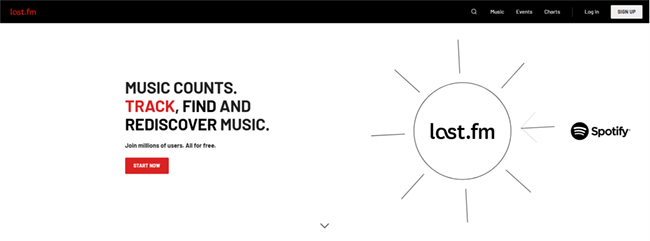
The OG music tracker. By linking Last.fm to your Spotify (a process called “scrobbling”), you can build an incredibly resilient database of your listening history that isn’t tied exclusively to the Spotify ecosystem.
4. Volt.fm
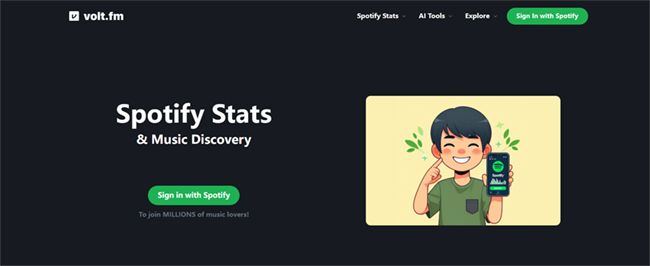
Think of Volt.fm as your Spotify social profile. It shows your top genres and decades, but it also lets you compare your stats directly with friends to see how much your tastes overlap.
5. Chosic (Your Spotify Stats)
Chosic goes deep into the mood of your music. It analyzes your top tracks to tell you if you lean toward energetic, acoustic, or danceable music, and breaks down your listening habits by decade.
6. Trackify
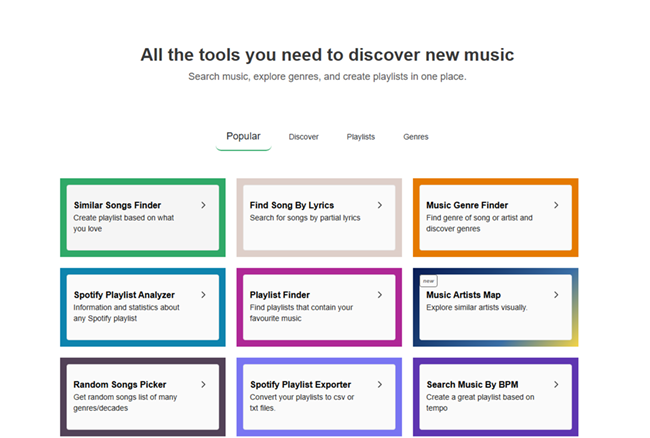
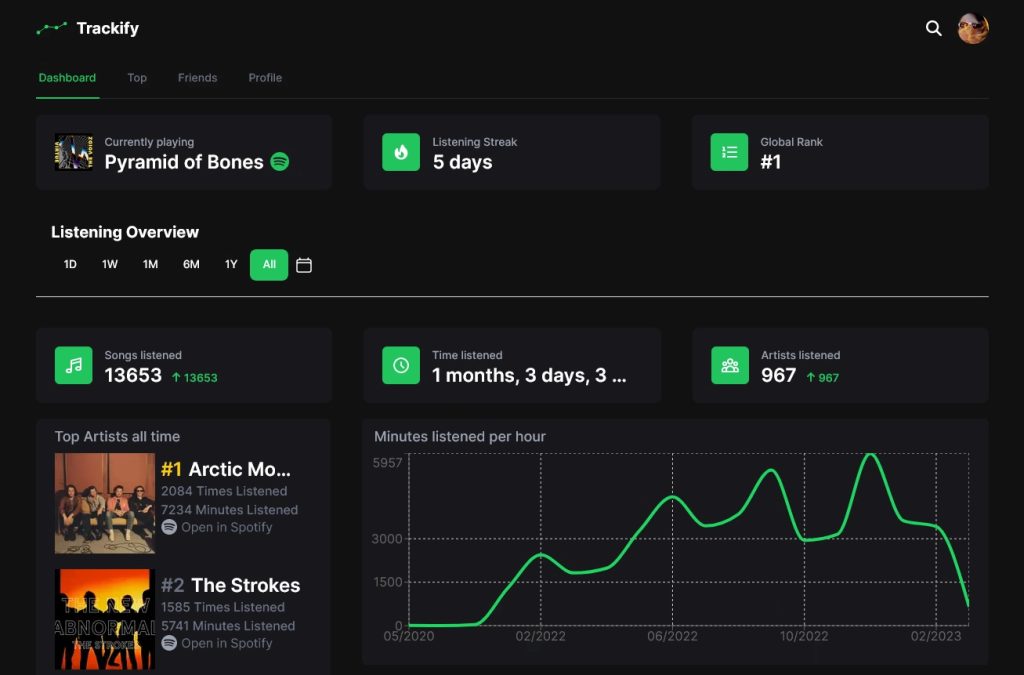
A heavily chart-focused tool. Trackify generates beautiful graphs to visualize your listening trends over time, making it easy to see exactly when your obsession with a specific artist peaked.
The Aesthetic Visualizers (Fun & Shareable)
Want to post your music taste on Instagram or X? These tools turn your raw data into visually stunning graphics.
7. Receiptify
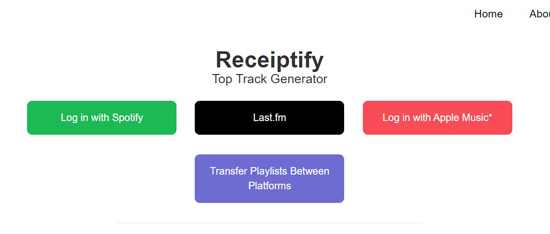
This incredibly popular tool takes your top 10 most-played tracks from the last month, 6 months, or all time, and prints them out on a digital image that looks exactly like a crumpled grocery store receipt.
8. Instafest
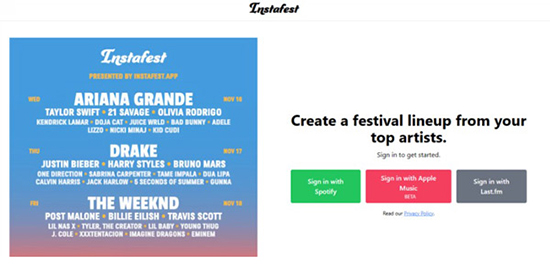
Ever wanted to curate your own music festival? Instafest takes your most-listened-to artists and generates a highly realistic, three-day festival lineup poster based on your data.
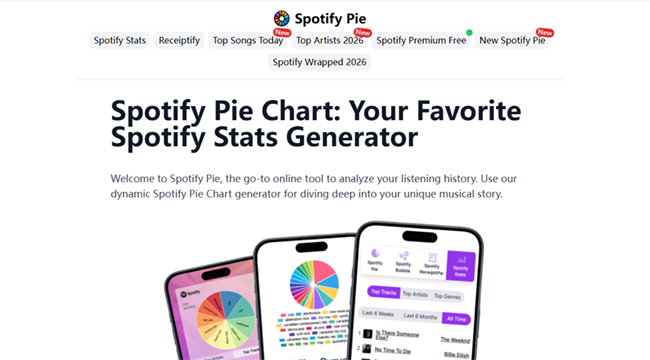
9. Spotify Pie
Created by a UCLA student, this tool generates a highly detailed, colorful pie chart of your top genres, with your top artists neatly categorized underneath. It’s simple, striking, and highly shareable.
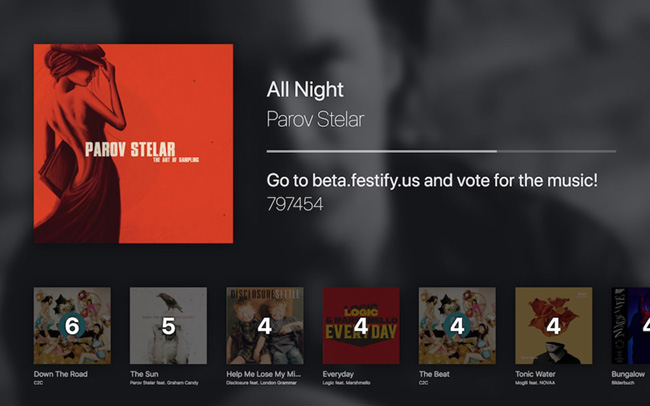
10. Festify
Similar to Instafest, Festify generates a festival lineup, but it offers a slightly different visual aesthetic and allows you to customize the timeframes for your “headliners.”
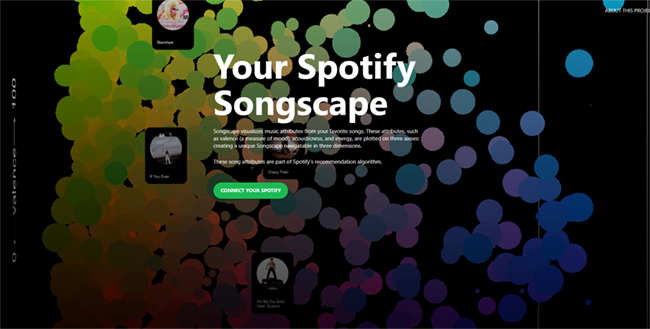
11. MusicScape
This is a truly unique one. MusicScape generates a digital landscape based on the mood of your music. If you listen to loud, energetic music, you might get jagged mountains; chill music might generate smooth, pastel hills.
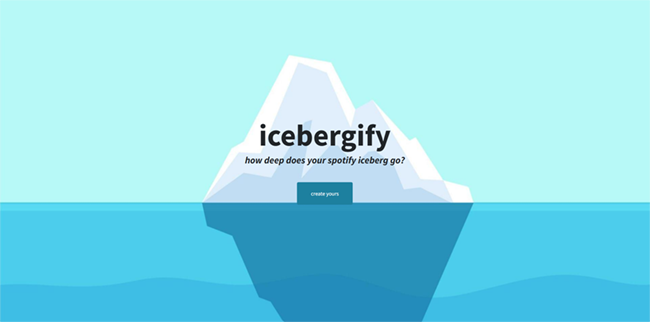
12. Icebergify
Based on the popular “Iceberg” meme format. It puts your mainstream favorite artists at the tip of the iceberg (above water) and buries your most obscure, underground artists in the deep, dark ocean below.
The Humorous & Niche Analyzers
Sometimes you just want a website to make fun of you, or tell you how unique you really are.
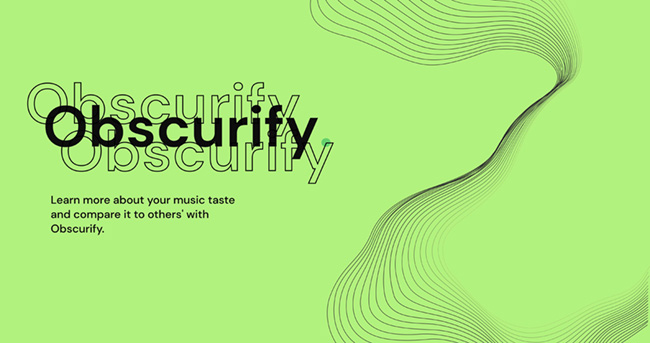
13. Obscurify
Do you pride yourself on listening to artists with less than 1,000 monthly listeners? Obscurify analyzes your library and gives you an “Obscurity Rating,” comparing your mainstream-to-indie ratio against thousands of other users.
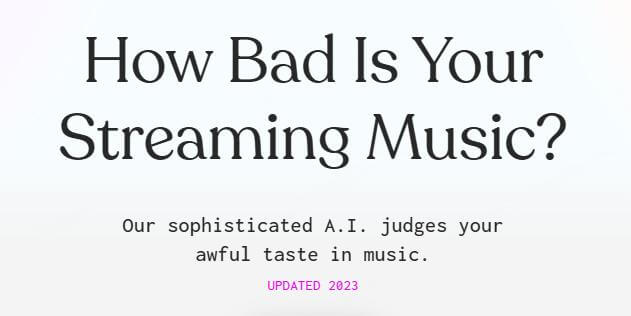
14. “How Bad is Your Spotify?” (by The Pudding)
Brace yourself. This AI bot scans your Spotify history and relentlessly roasts your music taste using snarky, painfully accurate jokes. It’s hilarious and humbling.
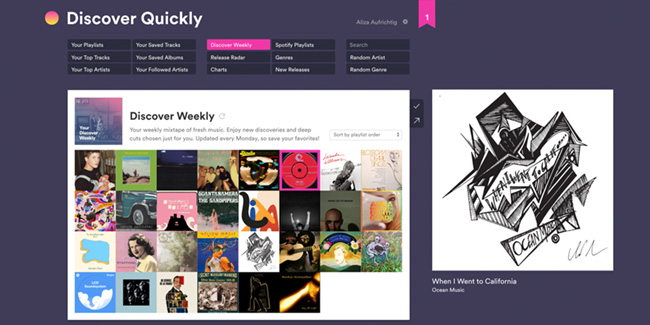
15. Discover Quickly
Rather than just showing you stats, this tool visualizes your top artists and creates a massive, clickable grid of related musicians. It’s designed to help you rapidly expand your library by hovering over album art to hear audio snippets.
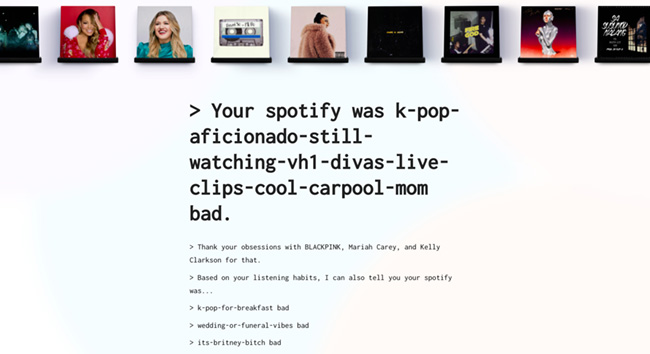
16. Judge My Spotify
A slightly gentler alternative to The Pudding’s tool, this site gives you a quirky, lighthearted breakdown of the “vibe” of your library.
Pro-Level & Discovery Analytics (For Artists & Deep Nerds)
If you are a creator, curator, or just someone fascinated by industry metrics, these tools are for you.
17. Spotify for Artists
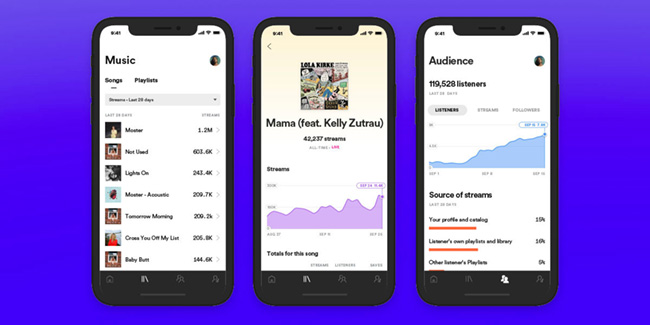
The official dashboard. If you upload your own music, this is where you track your audience growth, playlist additions, and geographical listener data.
18. Chartmetric
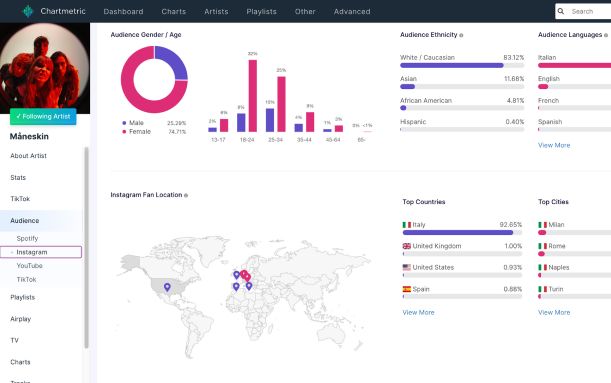
An industry-standard tool for A&R reps and music marketers. It tracks an artist’s explosive growth across Spotify, TikTok, and YouTube, providing insights into global streaming trends.
19. SpotOnTrack
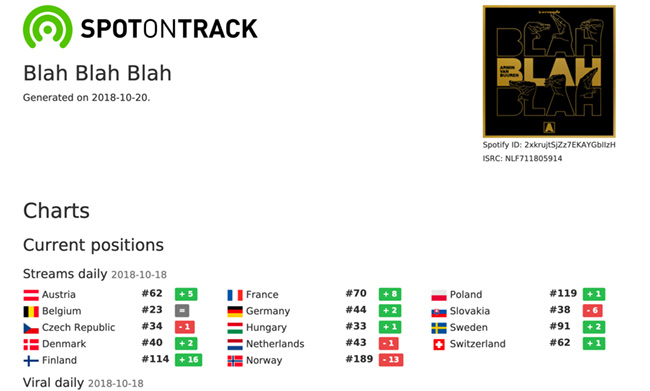
Perfect for playlist curators. It monitors exactly how playlists are performing, tracking stream counts, follower growth, and the algorithmic impact of specific song placements.
20. Viberate
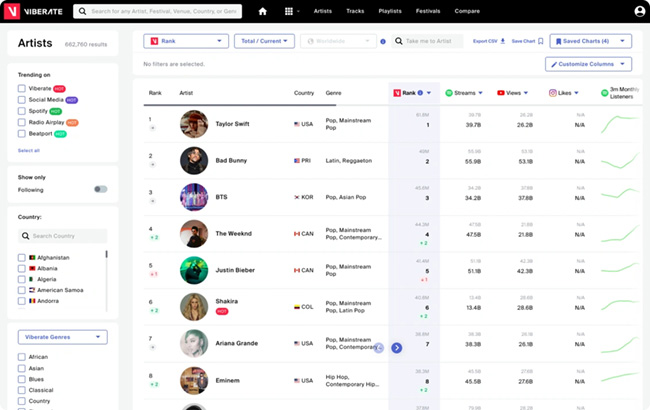
A pro-level analytics platform that maps out audience locations and tracks monthly listener growth. It’s an incredibly powerful Spotify plays checker if you’re managing an artist’s career or doing market research.
How to Keep Your Spotify Data Safe
A quick technical note: when you use these sites, you are asked to “Log in with Spotify.” This uses the official Spotify API via OAuth. These websites never see your password. They simply request read-only access to your listening history.
If you ever want to clean house, you can easily revoke access to any of these tools. Just log into your account on the official Spotify website, navigate to Settings > Apps, and click “Remove Access” next to any third-party stat trackers you no longer use.
Bonus Tip: Download Your Top Tracks with AudKit Spotify Music Converter
Looking at your listening stats often makes you realize just how much you rely on your top 50 tracks. But let’s put on our tech hats for a second: you don’t actually own those files. If you ever face playback restrictions, spotty internet, or want to mix your top tracks on a DJ software setup, app limitations will get in your way.
If you want to truly archive your favorite music, the best tool on the market is AudKit Spotify Music Converter. Instead of just looking at the data of your favorite playlists, AudKit empowers you to download Spotify playlist to MP3 locally and permanently.
Main Features of AudKit Spotify Music Converter
- Easily download any Spotify audio content in 320kbps
- Convert Spotify music to MP3/AAC/FLAC/WAV/M4A/M4B
- Keep full ID3 tags like artist, year, cover, title, etc.
- Batch download at a fast 5X conversion speed
- Help listen to Spotify music offline anywhere
Why AudKit stands out:
- True Lossless Quality: You aren’t settling for compressed audio. AudKit allows you to convert and download tracks in 320kbps MP3 or high-fidelity formats like FLAC and WAV.
- Flawless Metadata Retention: It automatically grabs and embeds all the ID3 tags (artist, album art, track number, genre). When you move your downloaded “Top Tracks of 2026” to a local hard drive, your library stays meticulously organized.
- High-Speed Batch Conversion: You don’t have to download songs one by one. You can drag and drop a massive 500-song playlist into AudKit, and it will handle the batch conversion at 5X speed.
How-to use it: Simply launch the AudKit software, add your favorite playlist from the built-in Spotify web browser into the AudKit interface, select your preferred output format in the settings, and click “Convert.” It’s an incredibly straightforward way to future-proof the music you listen to the most, allowing you to take your ultimate rotation offline to any device.
Frequently Asked Questions (FAQs)
1. Are Spotify stats websites accurate?
Yes, most of them pull data directly from Spotify’s official API. However, tools that require “scrobbling” (like Last.fm) only track data from the moment you create an account, while API-based tools (like Stats for Spotify) can pull historical data.
2. Why do my third-party stats look different from Spotify Wrapped?
Spotify Wrapped generally stops tracking your listening data around late October or early November. Third-party websites track your data year-round, which is why your top artists in December might differ between the two.
3. Is it safe to use websites like Receiptify or Spotistats?
Absolutely. These tools use Spotify’s secure OAuth login portal. They only request permission to view your public data and listening history. They cannot change your password, delete your account, or charge your credit card.
Conclusion
You don’t have to wait for the end of the year to understand your musical habits. Whether you want to scrutinize your total streaming minutes with Stats.fm, flex your underground taste via Obscurify, or generate a beautiful aesthetic with Receiptify, these 20 Spotify listening stats websites offer something for every type of music lover. Dive into your data, share your festival lineups, and remember to use tools like AudKit Spotify Music Converter to back up your heavy-rotation tracks locally. That way, your favorite songs are always accessible, no matter where your audio journey takes you. Happy listening!

Andrew Rowley
 Staff Editor
Andrew Rowley has over 10 years of writing experience and is good at writing in audio technology and audio converter software. He can provide high-quality articles to help streaming music lovers explore music better.